
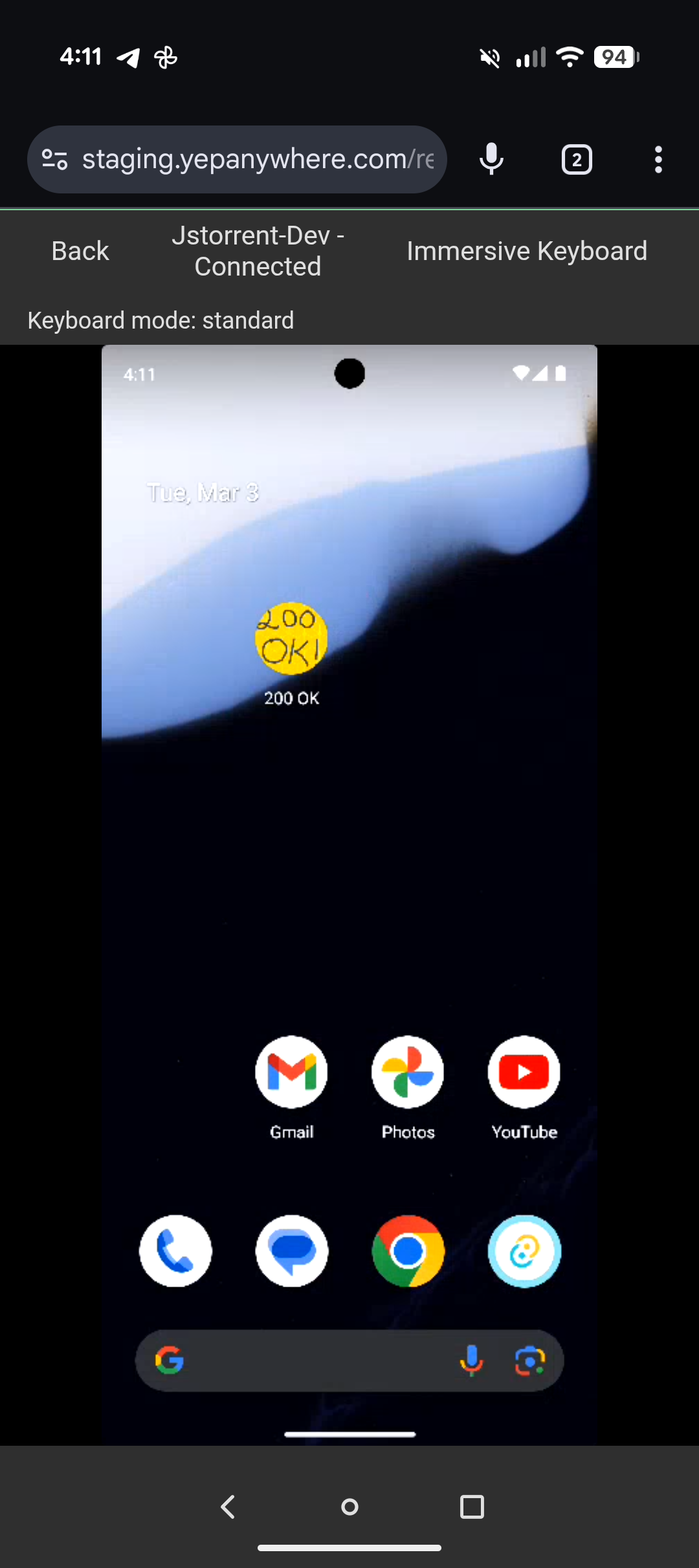
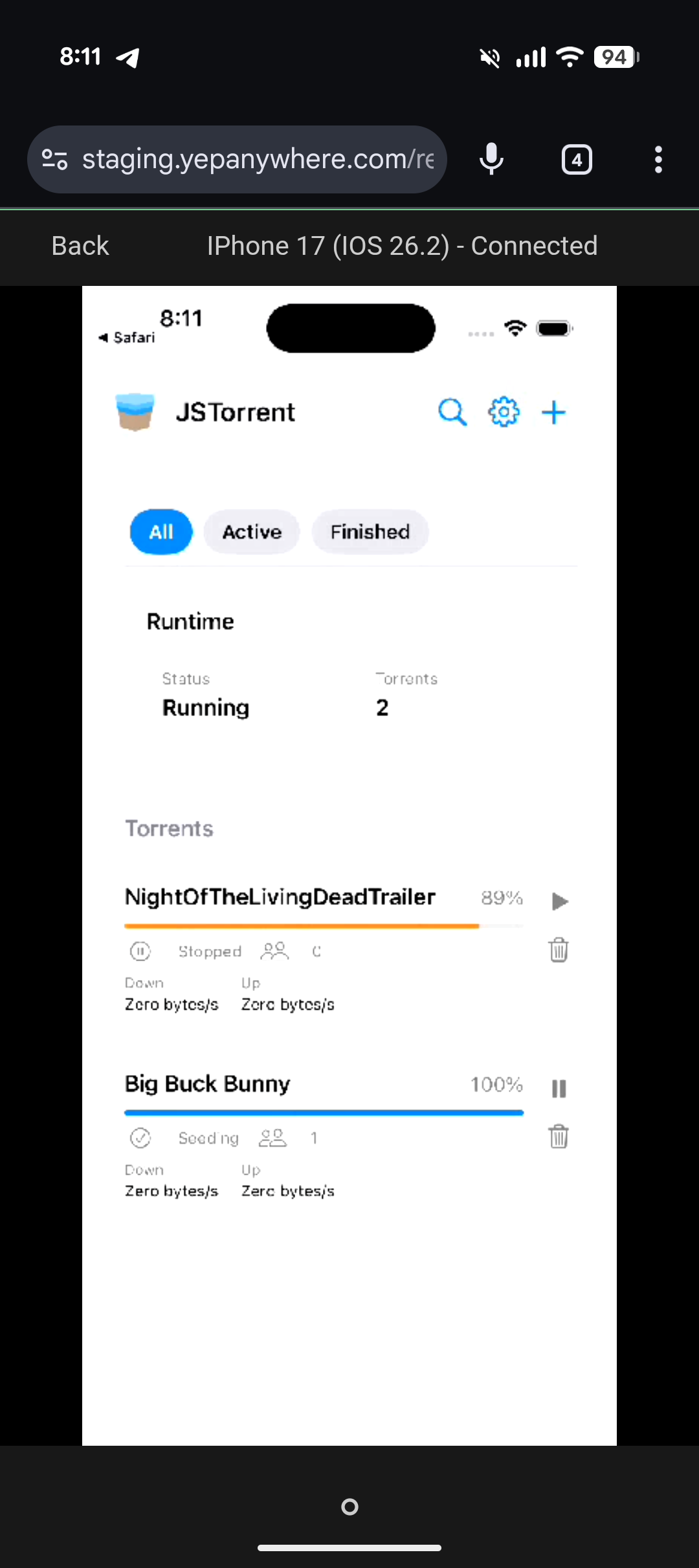
Yep Anywhere lets you supervise AI coding agents from your phone. But when those agents are building mobile apps, you still have to walk to your computer to see the result. Now you don't. Yep streams your Android devices, Android emulators, and iOS Simulators to your phone — H264 over WebRTC, full touch input. Complete mobile development for both platforms, all from your phone.
Spot-check a layout, test a user flow, verify a fix. Android devices connect via ADB, iOS Simulators via simctl. You see the screen on your phone. Tap on your phone, the device responds.
How it works
Video is peer-to-peer WebRTC — encrypted, low latency. Signaling goes through Yep's relay, but video and touch data flow directly between your dev machine and your phone. No relay bandwidth cost.
A Go sidecar (Pion) handles WebRTC and H264 encoding. It's a single pre-built binary, compiled on GitHub Actions for each platform — no native dependencies, no libdatachannel, no system WebRTC libraries to install. The binary downloads automatically on first connect and only when you actually use device control, so Yep Anywhere stays lightweight. For Android, it talks to your device over ADB. For iOS Simulators, it uses simctl for input and screen capture. Frames are encoded with x264 (ultrafast/zerolatency), hardware-decoded on your phone. Touch and nav buttons go over the WebRTC data channel. Multi-touch and pressure work natively.
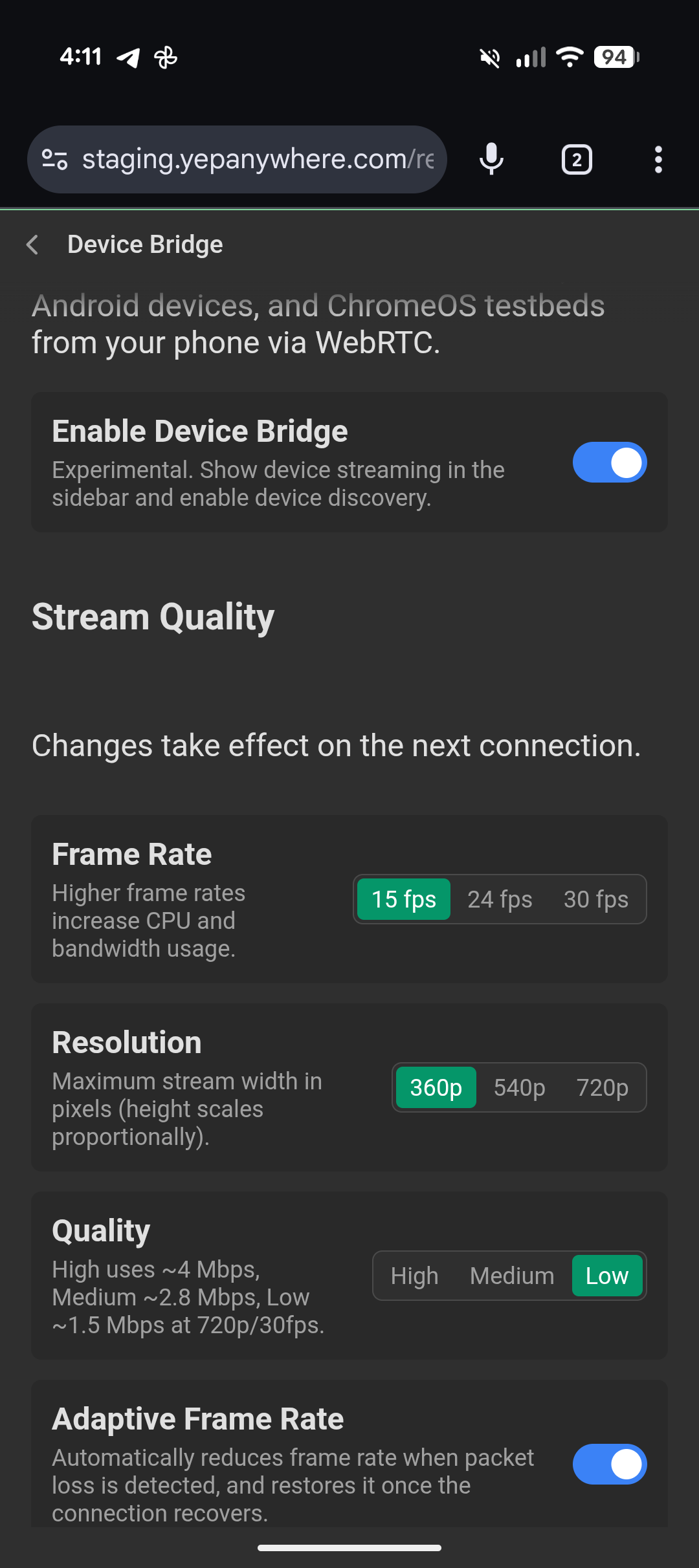
Adaptive quality monitors packet loss and drops FPS before you notice stutter, recovers when the connection stabilizes.
What's next: agents that can see
We're adding accessibility tree support so agents can read what's on screen, tap elements by semantic label, and verify their own work. Build a feature, install the APK or launch the iOS Simulator, navigate to the screen, confirm the list loads and the back button works — without a human in the loop.
Existing device MCP servers have high latency per action — screenshot, parse, decide, tap, repeat. We're prioritizing speed: direct ADB and simctl access, accessibility tree for structured interactions, screenshots only when you need visual verification.
The agent and the device are on the same machine. No network hop for input, no cloud round-trip for screenshots. The sidecar is already there.
Try it
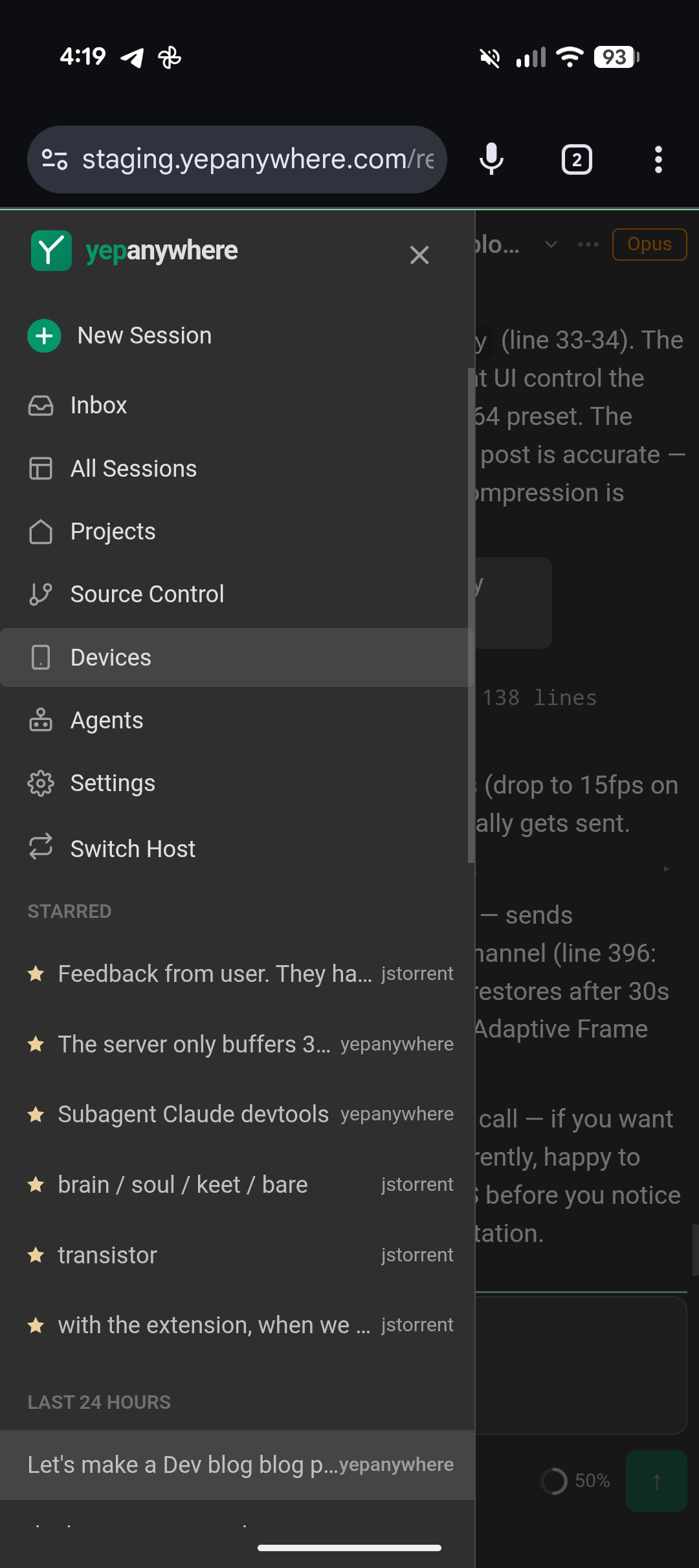
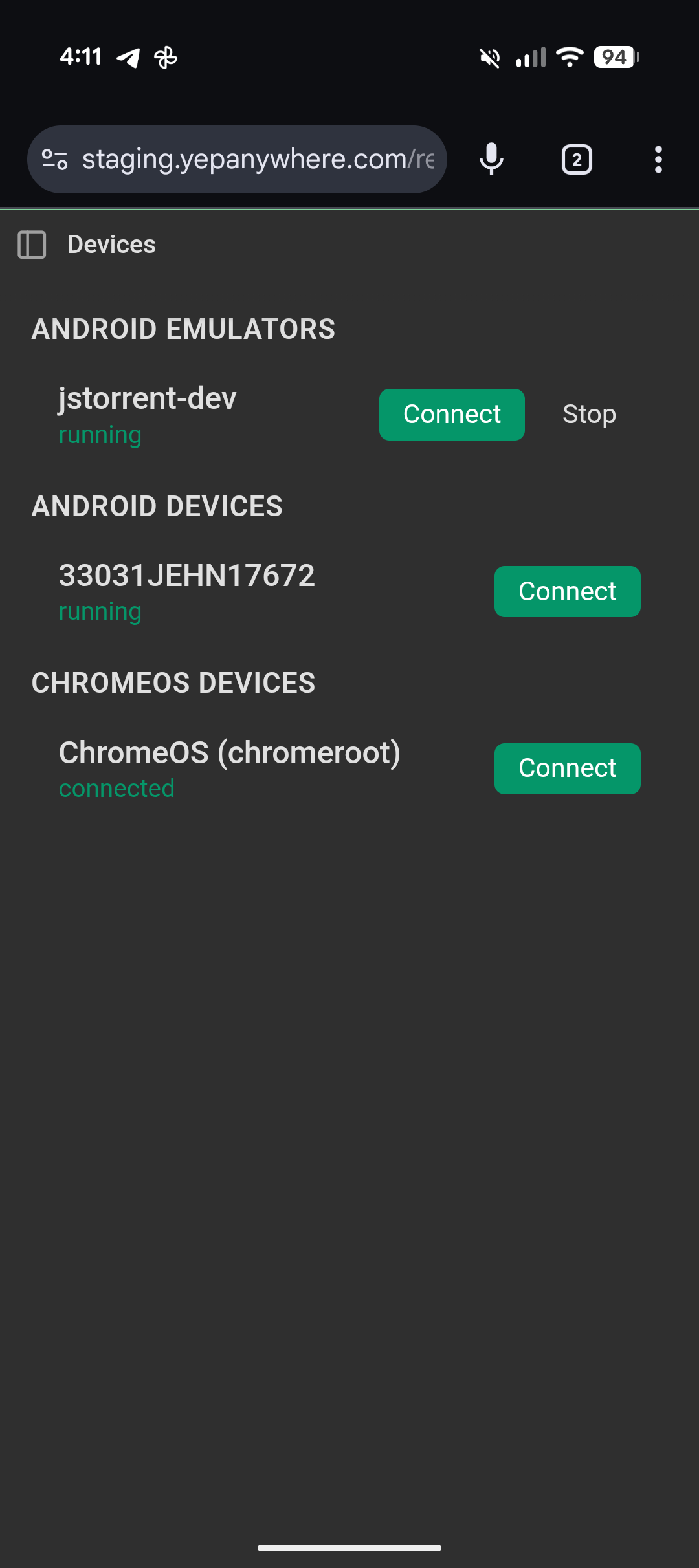
Device control ships in Yep Anywhere today. Enable Device Bridge in Settings, and any Android emulator, Android device, or iOS Simulator shows up automatically in the Devices tab. iOS support is for Simulators running on your Mac — real iOS devices are not yet supported. It's still in beta — expect rough edges.