
Any browser, any host
Use any modern web browser—on another computer, a tablet, or a phone—to supervise sessions running on another host.
Read the guideProduct catalog
Yep Anywhere keeps coding agents running on your machines and gives every browser—on another computer, a tablet, or a phone—one place to supervise, coordinate, review, and reconnect.
Stay in the loop
Keep agents moving from another computer, a tablet, or a phone without moving the work off the host.
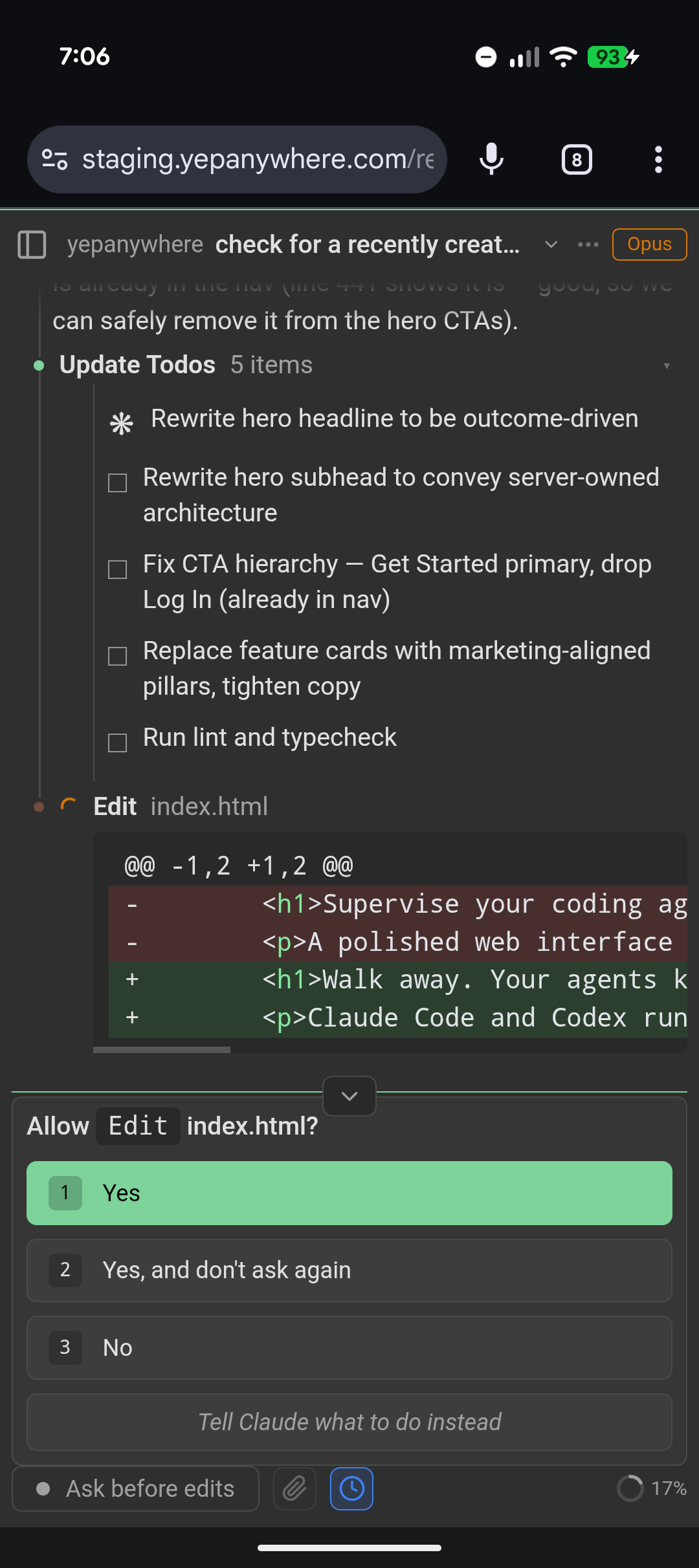
Use any modern web browser—on another computer, a tablet, or a phone—to supervise sessions running on another host.
Read the guideReview tool requests, answer questions, and unblock an agent from a touch-friendly session view.
Providers: Claude Code, Codex
Read the guideSee the complete conversation, every tool call, and available thinking—or condense routine activity when you want a quieter view.
Read the guideAgent processes belong to the server, so closing a tab or changing devices does not interrupt active work.
Read the guideGet notified when a session needs approval or attention, then return directly to the work.
Browser Web Push; native Android delivery is in development, with iOS planned later.
Read the guideAttach screenshots, images, PDFs, and code files without moving them through a desktop first.
Read the guideUse browser speech, hosted transcription, or local speech models from the microphone menu.
Read the guideUse the client in English, Chinese, Spanish, French, German, or Japanese.
Read the guideStay oriented
See attention, activity, and queued work across projects in one place.
See which sessions need attention, which are active, and which changed while you were away.
Read the guideFind an older session quickly and get a bounded recap when you return to work that continued without you.
Read the guideRedirect compatible agents mid-turn or line up verbatim follow-ups for the next safe delivery boundary.
Providers: Claude Code, Codex
Read the guideSchedule durable project-level follow-ups that start only after the entire project becomes quiet.
Optional: entry controls are opt-in and capability-gated for hosted clients.
Read the guideWatch active agents and file-changing work across sessions instead of cycling through terminal windows.
Read the guideBranch from a useful point or copy a completed conversation so experiments do not disturb the source session.
Providers: Claude Code, Codex
Read the guideOne interface
Work across first-class providers and clearly labeled experimental integrations.
Start, stream, approve, and review sessions from both primary providers through the same workflow.
Providers: Claude Code, Codex
Read the guideRun through the official Claude Code and Codex processes using their signed-in subscription plans, and see usage limits when providers expose them.
Providers: Claude Code, Codex
Plan eligibility, credits, and API-key or pay-as-you-go charges remain provider-controlled.
Read the guideFind and resume every Claude Code and Codex session, including those started in the CLI, VS Code, or first-party desktop applications.
Providers: Claude Code, Codex
Read the guideChange models and thinking effort from the session UI when the provider supports it.
Providers: Claude Code, Codex
Read the guideExplore OpenCode, Grok Build, Gemini, and pi with capability differences shown up front.
Providers: OpenCode, Grok Build, Gemini CLI, pi
Read the guideClose the loop
Inspect files, diffs, Git state, shares, and running mobile builds remotely.
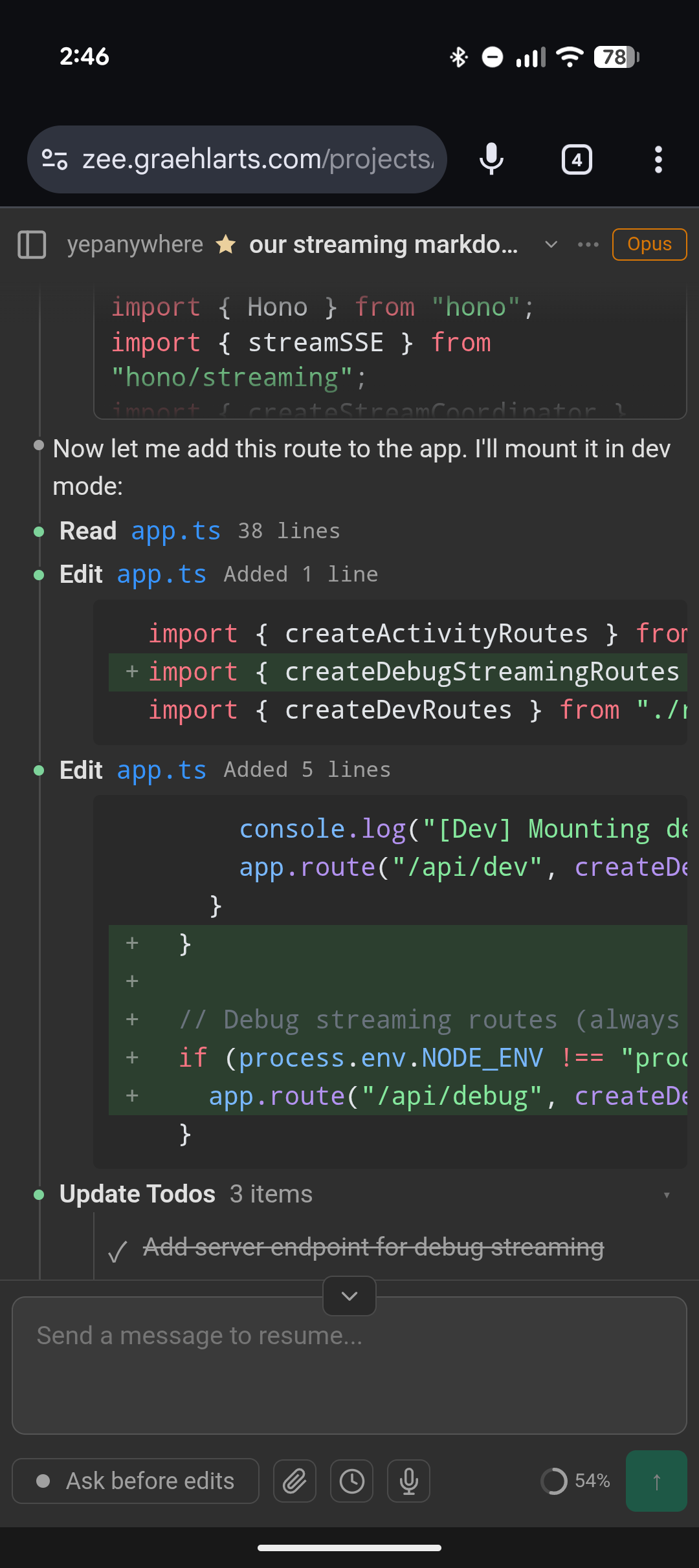
Review edits with syntax-aware diffs on a phone or a wide desktop layout.
Read the guideOpen linked source and media with explicit server-side folder permissions for remote reads.
Read the guideBrowse working-tree and commit diffs, search tracked files and blame, send line-comment review bundles to agents, and explicitly check remote, fast-forward pull, or push.
Read the guidePublish a deliberate read-only session link with live viewer state and explicit owner controls.
Opt-in: link holders and the current relay operator can read shared content.
Read the guideStream and control Android devices, Android emulators, and iOS Simulators from the browser.
Read the guideLocal by design
Choose direct access or an end-to-end encrypted relay while sessions stay local.
Enable the end-to-end encrypted public relay, set a password, and connect from any browser—no device pairing, VPN, or port forwarding.
Read the guideFind conversations mentioning the GitHub issue, pull request, or Jira ticket you are viewing, and start a session with its address ready.
Chrome extension; requires a server with Remote Access enabled.
Read the guideConnect straight to your own server over a trusted LAN or private network such as Tailscale.
Read the guideRun the relay infrastructure yourself when you want ownership of every network component.
Read the guideSessions and server state stay on machines you control, and the complete project is MIT licensed.
Read the guideProvider support
Claude Code and Codex are first-class. Experimental integrations show their narrower edges instead of borrowing a blanket support claim.
The primary integration, with an advanced opt-in route for compatible LLM gateways.
Sessions, streaming, approvals, diffs, steering, recaps, and model controls; gateway routing stays separate from regular Claude sessions.First-class Codex CLI support with live and replayed session parity.
Sessions, streaming, approvals, apply-patch diffs, steering, recaps, and effort controls.Start, resume, and inspect OpenCode sessions through its native server.
Permissions, questions, tools, images, and history are supported; capability parity varies.Use the Grok Build CLI through the Agent Client Protocol.
Includes prompt suggestions, effort controls, approvals, and steering where upstream supports them.Read or resume existing Claude + Ollama sessions during its deprecation period.
Hidden unless previously configured or used; choose Claude Gateway for new compatible endpoints.Launch or read Gemini CLI sessions with a narrower control surface.
Streaming and tool rendering are available; approvals, steering, and history behavior vary by mode.Drive pi's provider-agnostic coding agent through its supported headless RPC mode.
Sessions, streaming, tool rendering, model and thinking controls, compaction, forks, and durable history are supported; tools currently run without a Yep Anywhere approval bridge.Install and access
Desktop installers are available in beta. The full client works in a mobile browser today; Android is in development and iOS is planned afterward, with neither native app published.
Apple Silicon and Intel
A signed and notarized desktop app with Yep Anywhere bundled inside.
Windows x64
A signed installer with the server, client, and private runtime bundled.
macOS, Windows, and Linux
The established command-line installation with full configuration access.
Phones and tablets
Use the responsive web client from a browser; no native phone app is required.
Chrome · connects to your server through the relay
An experimental packaged client with a side panel for sessions related to GitHub issues, pull requests, and Jira tickets.
Android first; iOS later
Android is in development and iOS is planned afterward. Neither is published; use the mobile browser client today.
Ready when you are
Start locally, then connect from any browser when you are ready to walk away.